
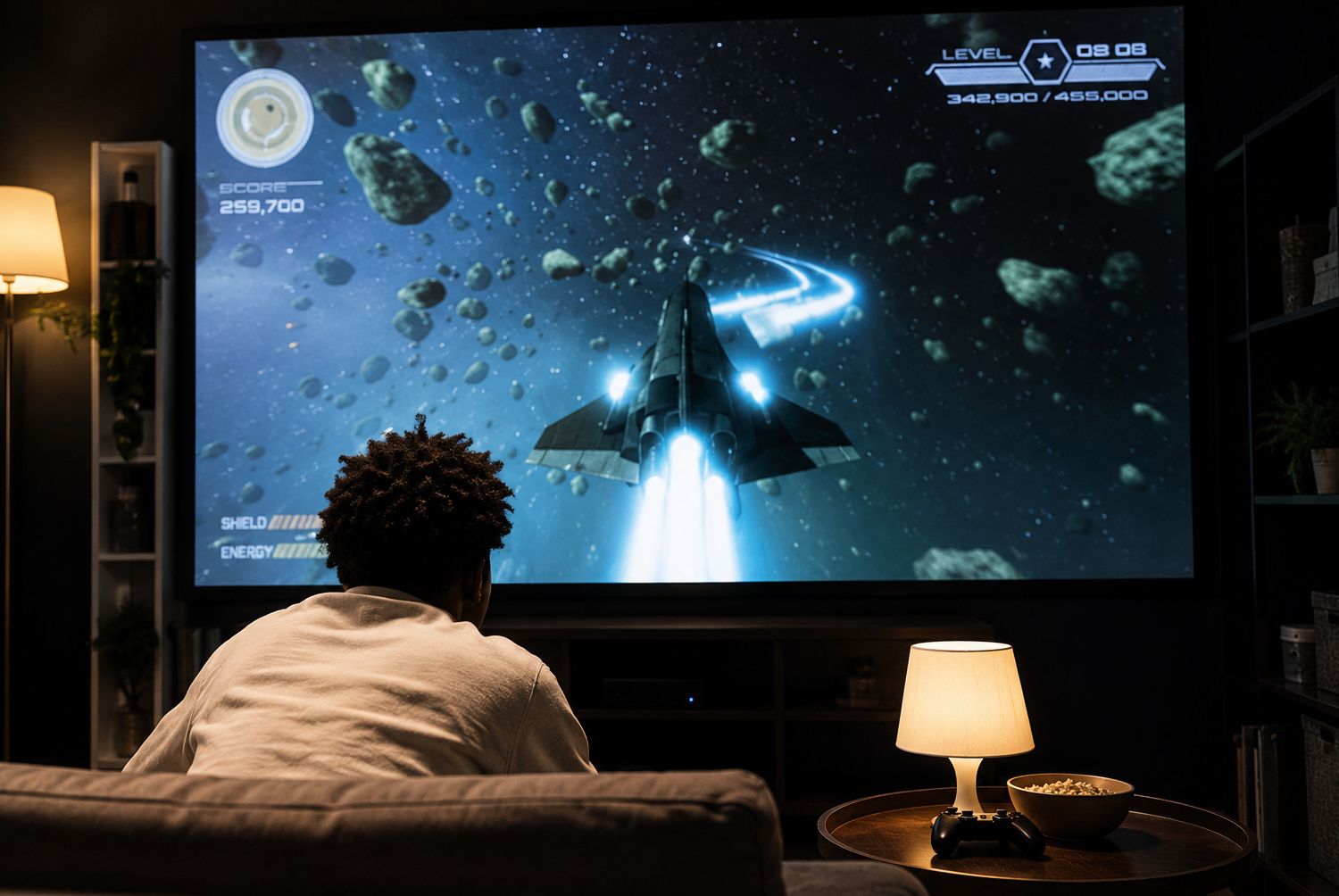
Home Theater Projector Setup: A Practical Guide to Creating a Cinematic Movie Room at Home
Article Summary: A home theater projector setup can turn an ordinary room into a comfortable cinema-style viewing space, but the final result depends on more than buying a projector. To create a satisfying experience, you need to choose the right projector type, match brightness and resolution to your room, select a suitable screen, control ambient lighting, position the projector correctly, and build an audio setup that matches the scale of the image. Small details such as throw distance, screen height, HDMI compatibility, seating comfort, cable management, and room reflections can make a big difference. With thoughtful planning, even a modest room can become a warm, immersive movie night space for family, friends, streaming, gaming, and sports.
There is something special about watching a movie on a big screen at home. The lights are dim, the room feels quiet, the image fills the wall, and suddenly a regular evening feels more like a small cinema experience. A good projector setup can make films feel larger, sports feel more exciting, and gaming feel more immersive.
But a home theater projector setup is not only about buying the most expensive projector you can find. A great setup depends on how the projector works with your room. The size of the space, wall color, screen position, lighting, seating distance, audio system, and even cable layout all affect the final result.
Many beginners make the same mistake: they choose a projector first and think about the room later. In reality, the room should guide the equipment. A bright living room needs a different setup from a dark basement. A small apartment may benefit from a short-throw projector. A dedicated movie room may justify a larger screen, better speakers, and more careful lighting control.
The goal is not to create a complicated theater only an expert can understand. The goal is to build a comfortable, reliable setup that fits your space, your budget, and the way you actually watch content.
Start With the Room Before Choosing the Projector
Before comparing projector models, look carefully at the room where the projector will be used. Is it a bedroom, living room, basement, spare room, or dedicated media room? Can the space become dark during the day? Where will people sit? Is there a blank wall, or will you use a projector screen? Can the projector be mounted on the ceiling, placed on a shelf, or set on a table?
Room conditions shape the entire setup. A room with large windows needs stronger brightness and better light control. A narrow room may require a short-throw projector. A room with white walls and shiny surfaces may reflect light back onto the screen, reducing contrast. A room with limited space may need a compact soundbar instead of a full surround system.
This early planning prevents expensive mistakes. A projector that looks excellent in reviews may perform poorly if it is too dim for your room, placed at the wrong distance, or paired with the wrong screen size.
Choosing the Right Projector Type
Projectors come in different technologies, and each has strengths. Two common types are LCD and DLP. LCD projectors are often known for strong brightness and natural color performance, which can be helpful in rooms with some ambient light. DLP projectors are often praised for sharp motion and clean image handling, making them appealing for action films, sports, and gaming.
Beyond technology, resolution matters. A 1080p projector is a solid starting point for many home theater setups. It can deliver a clear, enjoyable image for movies, shows, and casual gaming. A 4K projector offers more detail, especially on larger screens, but it usually costs more. If you plan to build a serious movie room and watch high-quality content, 4K can be worth considering.
Brightness is another major factor. Projector brightness is measured in lumens. A darker room can work well with lower brightness, while a brighter room needs a stronger projector. If your room has windows, light-colored walls, or daytime viewing needs, choosing a projector with higher brightness can make the image easier to see.
Understanding Throw Distance and Screen Size
Throw distance is one of the most important projector setup details. It refers to how far the projector needs to be from the screen to create a certain image size. If the projector sits too close or too far away, you may not get the screen size you want.
Standard projectors usually need more distance from the screen. Short-throw projectors can create a large image from a shorter distance, making them useful in smaller rooms. Ultra-short-throw projectors sit very close to the wall or screen, often on a console below the image. These can be convenient, but they usually require a very flat wall or a compatible screen for best results.
Screen size should also match the viewing distance. A giant image may sound exciting, but if the seats are too close, viewers may feel uncomfortable or have to move their eyes too much. A balanced setup feels immersive without becoming tiring.
Setup Reminder
Before buying a projector, measure the distance from the projector position to the screen position. Then check the projector’s throw ratio to confirm it can create your desired screen size in that space.
Choosing the Right Projector Screen
A projector screen can make a noticeable difference in image quality. While it is possible to project onto a plain wall, a proper screen usually provides better brightness, contrast, color consistency, and surface smoothness. A wall may have texture, uneven paint, shadows, or color tint that affects the image.
Fixed-frame screens are popular for dedicated home theaters because they stay flat and look clean. Pull-down screens are useful when the room serves multiple purposes. Portable screens offer flexibility if you want to move the setup or use it outdoors. Some people also use screen paint on a wall, but this works best when the wall is smooth and carefully prepared.
Screen placement matters as much as the screen itself. Ideally, the screen should be centered in the viewing area. The bottom of the screen should be high enough for comfortable viewing, but not so high that people must tilt their heads upward. For many rooms, placing the bottom of the screen around 24 to 36 inches from the floor works well, though seating height and room layout should guide the final choice.
Ambient Lighting Can Make or Break the Image
Projectors perform best when the room is dark or carefully controlled. Ambient light can wash out the image, making blacks look gray and colors look weaker. This is especially noticeable during dark movie scenes, where contrast matters most.
Blackout curtains or shades can make a major difference if the room has windows. Even small amounts of sunlight can reduce image quality. If you plan to watch during the day, light control becomes just as important as projector brightness.
That does not mean the room must be completely black all the time. Soft indirect lighting can make the space more comfortable and reduce eye strain. LED strips behind furniture, dimmable wall lights, or low floor lamps can create a cozy theater atmosphere without shining directly on the screen.
Audio Is Half of the Home Theater Experience
Many projectors include built-in speakers, but they are usually not enough for a true home theater experience. A large cinematic image feels incomplete if the sound is thin, distant, or weak. Audio gives movies weight. It makes dialogue clearer, music richer, and action scenes more exciting.
A full surround sound system can create the most immersive experience. A 5.1 setup uses front speakers, rear speakers, a center channel, and a subwoofer. A 7.1 setup adds even more surround detail. These systems are excellent for dedicated rooms, but they require more space, wiring, and setup.
For smaller spaces, a soundbar can be a practical alternative. Many modern soundbars deliver clear dialogue and stronger bass without requiring multiple speakers around the room. Some include wireless subwoofers or rear speaker add-ons, making them a good middle ground between simplicity and immersion.
Connectivity: Make Sure Everything Works Together
A projector is only one part of the system. You may also connect a streaming device, game console, Blu-ray player, laptop, soundbar, receiver, or speaker system. Before buying equipment, check how everything connects.
HDMI is the most common connection for modern home theater devices. If you plan to use a soundbar or AV receiver, HDMI ARC or eARC can make audio routing easier. Wireless casting may be convenient, but wired HDMI usually provides more stable performance for high-quality video, gaming, and long movie sessions.
Cable length also matters. If the projector is ceiling-mounted at the back of the room, you may need a longer HDMI cable or a different signal solution. Poor-quality long cables can cause signal dropouts, flickering, or no picture. It is better to plan cable routes before mounting the projector.
Mounting and Positioning the Projector
Projector placement affects image size, sharpness, alignment, and convenience. Some people place the projector on a table, while others use a shelf or ceiling mount. A ceiling mount creates a cleaner look and keeps the projector out of the way, but it requires careful measuring and installation.
The projector should be aligned with the screen as accurately as possible. Many projectors offer keystone correction, which can digitally adjust a distorted image. However, relying too heavily on keystone correction may reduce image quality. Physical alignment is usually better than heavy digital correction.
Focus and zoom should be adjusted carefully after placement. Take time to sharpen the image, check the corners, and make sure text looks clean. A slightly misfocused image can make movies feel less crisp, especially on large screens.
Common Projector Problems and Simple Fixes
Even a carefully planned setup can run into small problems. Poor picture quality is one of the most common complaints. If the image looks soft, check focus, resolution settings, screen surface, and lens cleanliness. A dusty lens or incorrect source resolution can make a good projector look worse than it really is.
If the image looks washed out, the room may have too much ambient light. Try closing curtains, turning off lights that shine toward the screen, reducing reflective surfaces, or using a brighter picture mode. If the projector is too dim for the room, equipment limitations may be the issue.
Connectivity issues are also common. If there is no signal, check the HDMI cable, input source, port selection, and device settings. If audio and video are out of sync, check your projector, streaming device, soundbar, or receiver settings for audio delay adjustment. Firmware updates may also fix bugs or improve compatibility.
Troubleshooting Tip
When something goes wrong, test one part at a time. Check the source device, cable, projector input, audio connection, and settings separately. This makes it much easier to find the real problem.
Making the Room Feel Like a Theater
Once the technical setup works, comfort becomes the next priority. A home theater should feel inviting. Seating should be comfortable enough for long movies. Viewers should have a clear line of sight to the screen. Small touches like blankets, side tables, cup holders, and soft lighting can make the room feel more finished.
Streaming devices can also improve the experience. Devices such as Apple TV, Roku, Fire TV, Chromecast, or game consoles can make it easier to access movies, shows, sports, and apps. If your projector has built-in smart features, you may not need an extra device, but external streamers often feel smoother and receive updates more consistently.
Decor is optional, but it can add personality. Movie posters, dark curtains, acoustic panels, themed shelves, LED strips, or a clean media console can make the room feel intentional. A theater room does not need to be expensive to feel special. It just needs to feel comfortable, organized, and easy to use.
Final Thoughts
A home theater projector setup can completely change how a room feels. With the right planning, a blank wall or screen can become the center of movie nights, sports events, gaming sessions, and family gatherings. The experience can feel much bigger than a regular television, especially when the image, sound, lighting, and seating all work together.
The best setup begins with the room. Measure the space, understand the lighting, choose the right projector brightness and resolution, select a suitable screen, and plan audio carefully. Do not ignore practical details such as cables, throw distance, mounting position, and seating comfort.
You do not need to build a luxury cinema to enjoy a great projector experience. A thoughtful setup, even with modest equipment, can feel immersive and enjoyable. The real magic comes from matching the technology to the space and creating a room people actually want to spend time in.
Final Reminder: A great home theater projector setup depends on balance. Choose a projector that matches your room, control ambient light, use a proper screen, plan audio carefully, and test your setup before final mounting. When image, sound, lighting, and comfort work together, an ordinary room can become a true movie-night space.