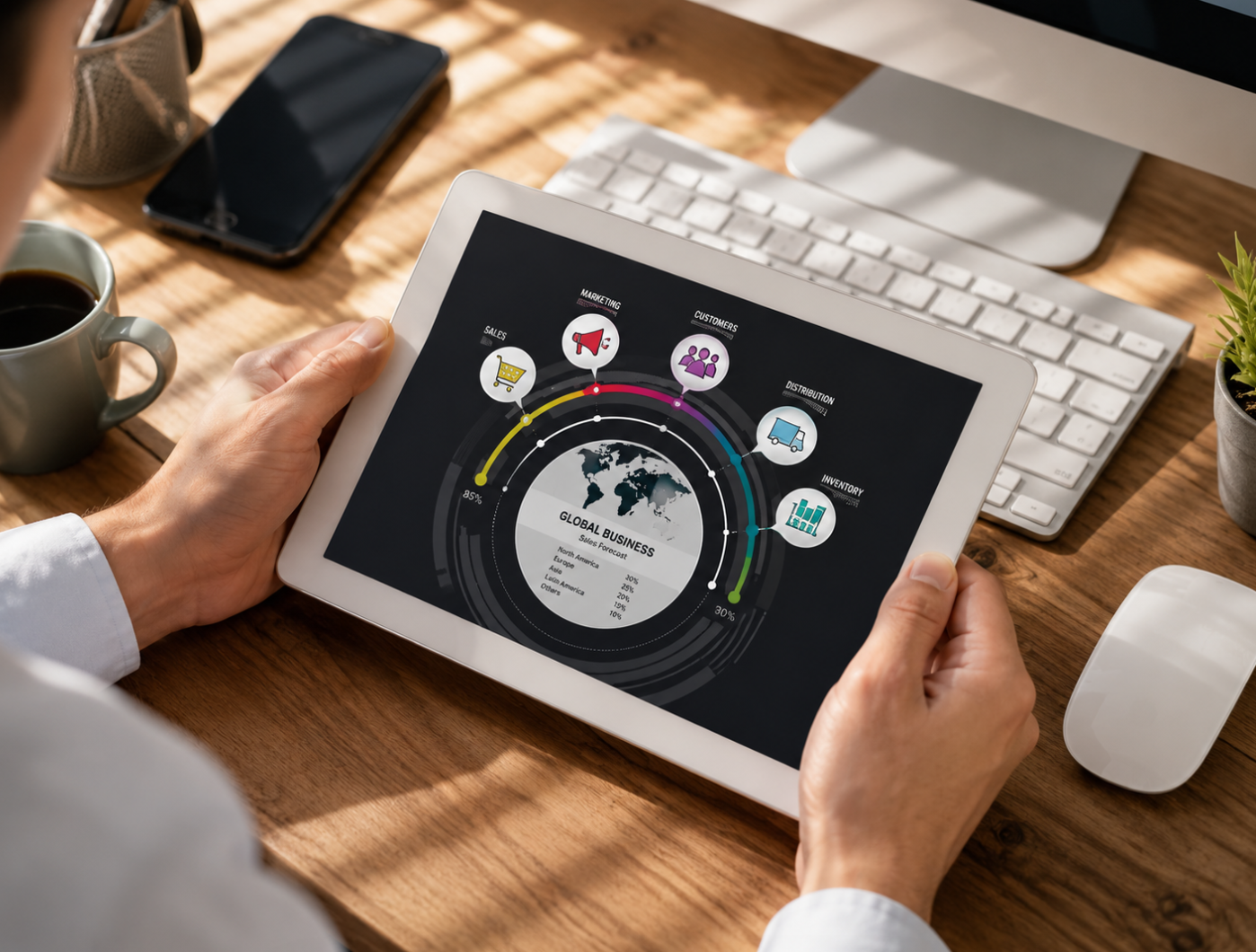

Endpoint Management Guide: Securing Devices in a Remote-First Workplace
Article Summary: Endpoint management is the process of monitoring, securing, updating, and controlling the devices that connect to an organization’s network, including laptops, desktops, smartphones, tablets, and IoT devices. As remote work, cloud platforms, and mobile access become normal parts of business operations, unmanaged endpoints can create serious security risks. A strong endpoint management strategy helps IT teams maintain device visibility, deploy updates, enforce security policies, manage applications, protect sensitive data, and respond quickly to threats. The best approach combines device inventory, automated patching, endpoint security tools, employee training, encryption, multi-factor authentication, compliance monitoring, and continuous improvement.
Modern businesses are no longer protected by office walls alone. Employees work from home, travel with laptops, check messages on phones, join meetings from tablets, and access company files through cloud platforms. Every device that connects to company systems becomes a possible doorway into the organization.
This is why endpoint management has become such an important part of IT and cybersecurity. An endpoint is any device that connects to a network or business system. That may include a desktop computer in the office, a remote employee’s laptop, a sales team’s smartphone, a warehouse tablet, a printer, a point-of-sale device, or even an Internet of Things device.
When endpoints are managed well, businesses gain visibility and control. IT teams can see which devices are connected, whether they are updated, who is using them, what applications are installed, and whether security rules are being followed. When endpoints are ignored, the risk grows quickly. One outdated laptop, stolen phone, weak password, or unmanaged device can become the starting point for a larger breach.
Endpoint management is not only about locking devices down. It is also about helping employees work safely and efficiently. The best systems protect company data while giving people reliable access to the tools they need. That balance is especially important in a workplace where flexibility and security must exist together.
What Is Endpoint Management?
Endpoint management refers to the practices, policies, and technologies used to manage end-user devices across an organization. These devices may be owned by the company, personally owned by employees, or shared across teams. The goal is to keep them secure, updated, compliant, and functional.
At a basic level, endpoint management helps answer important questions. What devices are connected to the company network? Are they running the latest software updates? Are they protected with encryption? Do they have approved security tools installed? Can they be locked or wiped if they are lost? Are employees using unauthorized applications?
A strong endpoint management program usually includes device inventory, software deployment, patch management, application control, access policies, security monitoring, remote troubleshooting, compliance reporting, and incident response. In larger organizations, these functions are often handled through Mobile Device Management, known as MDM, or Unified Endpoint Management, known as UEM.
The broader the device environment becomes, the more important endpoint management is. A small office with ten computers may be manageable manually. A company with hundreds of laptops, remote workers, smartphones, tablets, and cloud apps needs a more systematic approach.
Why Endpoint Management Matters for Cybersecurity
Many cyberattacks begin at the endpoint level. A phishing email may trick an employee into downloading malware. A laptop without the latest security patch may expose a known vulnerability. A stolen phone may give someone access to company email. A weakly protected personal device may become a bridge into business systems.
Endpoint management reduces these risks by making security more consistent. Instead of trusting every user to manually install updates, configure settings, and follow security rules perfectly, organizations can automate many protections. IT teams can push patches, enforce password rules, require multi-factor authentication, apply encryption, and restrict risky applications.
Remote work has made this even more important. When employees work outside the office, they may use home Wi-Fi, public networks, personal devices, and cloud-based tools. The traditional security perimeter becomes weaker. Endpoint security becomes one of the most important layers of defense.
Endpoint management also supports compliance. Industries such as healthcare, finance, education, insurance, retail, and government services often have strict requirements for protecting personal or confidential information. Managed endpoints make it easier to show that devices follow security policies and that sensitive data is handled properly.
Key Components of Endpoint Management
Effective endpoint management starts with visibility. A company cannot protect devices it does not know exist. That is why device inventory is one of the first steps. IT teams need a clear list of laptops, desktops, phones, tablets, servers, and other connected devices.
Patch management is another critical component. Software vendors regularly release updates to fix security weaknesses and improve stability. If devices are not updated, attackers may exploit known issues that could have been prevented. Automated patching helps ensure updates happen consistently across the organization.
Application management helps control what software is installed and used. This matters because unapproved tools can create security, privacy, and compliance problems. Some organizations allow only approved applications, while others monitor for risky software and alert IT teams when problems appear.
Security policy enforcement ties everything together. Policies may require disk encryption, screen locks, endpoint protection software, multi-factor authentication, VPN use, or restrictions on copying company data. Endpoint management tools help apply these policies consistently instead of relying on manual checks.
MDM, EMM, and UEM: What Is the Difference?
Endpoint management has several related terms, and they can be confusing at first. Mobile Device Management, or MDM, originally focused on managing smartphones and tablets. It helped organizations configure devices, enforce passcodes, install apps, and remotely wipe lost devices.
Enterprise Mobility Management, or EMM, expanded the idea beyond the device itself. It included mobile applications, content, identity, and data protection. This became important as employees started using mobile devices for email, documents, collaboration tools, and business apps.
Unified Endpoint Management, or UEM, takes a broader approach. It aims to manage different types of endpoints from one platform, including laptops, desktops, smartphones, tablets, and sometimes IoT devices. For modern workplaces, UEM is often more practical because employees use many kinds of devices, not just phones.
Strategies for Successful Endpoint Management
A successful endpoint management strategy begins with a complete inventory. IT teams should know which devices exist, who uses them, what operating systems they run, what software is installed, and whether they meet security requirements. This inventory should be updated continuously because devices change often.
The next step is policy standardization. Organizations should define clear rules for passwords, updates, encryption, remote access, application installation, data storage, and device retirement. Without standard policies, different teams may manage devices in different ways, creating inconsistent protection.
Automation can make endpoint management more reliable. Manually updating every device or checking every configuration is slow and easy to miss. Automated tools can deploy software, push patches, enforce settings, detect non-compliant devices, and alert IT teams when action is needed.
Regular security assessments are also important. Vulnerability scans, compliance checks, penetration testing, and endpoint health reviews help organizations find weak points before attackers do. Endpoint management should be continuous, not something done once and forgotten.
Implementation Tip
Start endpoint management with visibility. Before choosing advanced tools or policies, build a reliable inventory of all devices connected to your business environment. You cannot secure what you cannot see.
Employee Training Is Part of Endpoint Security
Even the best endpoint management platform cannot replace employee awareness. People use the devices every day, and their behavior affects security. An employee may click a phishing link, delay an update, install an unapproved app, connect to unsafe Wi-Fi, or store company files in a personal account.
Training helps reduce these risks. Employees should understand why updates matter, how to recognize suspicious emails, when to report lost devices, how to handle sensitive files, and why multi-factor authentication is required. Security rules are easier to follow when people understand the reason behind them.
Training should be practical rather than overly technical. Employees do not need to become cybersecurity experts, but they should know the most common risks in their daily work. Short, repeated training sessions are often more effective than one long annual presentation that everyone forgets.
A healthy security culture also encourages fast reporting. If someone loses a phone or clicks a suspicious link, they should feel comfortable reporting it immediately. A quick report can prevent a small mistake from becoming a larger incident.
Measuring the ROI of Endpoint Management
Some organizations see endpoint management as a cost, but it can also create measurable value. The return on investment may come from lower security risk, faster IT support, fewer device problems, improved employee productivity, stronger compliance, and reduced downtime.
One way to think about ROI is risk reduction. A serious data breach, ransomware attack, or compliance failure can cost far more than a well-managed endpoint system. While endpoint management cannot prevent every possible incident, it can reduce the likelihood and impact of many common threats.
Productivity gains are another part of the value. When devices are updated, configured correctly, and easier to support remotely, employees spend less time waiting for fixes. IT teams also benefit because they can automate repetitive tasks instead of handling every device manually.
Compliance reporting can also save time. Many industries require proof that devices follow security rules. Endpoint management tools can generate reports showing patch status, encryption status, device ownership, software inventory, and policy compliance. This can make audits less stressful and more organized.
Endpoint Management and Remote Work
Remote work has changed endpoint management permanently. Employees may no longer bring devices into an office where IT can easily inspect or repair them. Instead, devices may be spread across cities, countries, home offices, coworking spaces, and travel environments.
This creates new challenges. IT teams need remote access tools, cloud-based management, secure authentication, endpoint detection, and policies that work outside the company building. Devices should remain protected even when they are not connected to the corporate office network.
Remote work also makes user experience important. Security that is too difficult may push employees toward unsafe workarounds. For example, if accessing company files is slow or confusing, employees may download files to personal storage. A good endpoint strategy should protect data without making legitimate work unnecessarily hard.
Remote Work Reminder
Remote endpoint security should protect company data wherever employees work. Use cloud-based management, strong authentication, encryption, automatic updates, and clear remote work policies.
Future Trends in Endpoint Management
Endpoint management is becoming more intelligent. Artificial intelligence and machine learning are increasingly used to detect unusual behavior, prioritize alerts, identify suspicious activity, and help IT teams respond faster. Instead of only checking whether a device follows a rule, future systems may better understand whether device behavior looks risky.
Zero trust security will also influence endpoint management. In a zero trust model, no device or user is automatically trusted just because they are inside a network. Access decisions are based on identity, device health, location, behavior, and risk level. This makes endpoint visibility and compliance even more important.
The growth of IoT devices will add another challenge. Businesses may need to manage not only computers and phones, but also sensors, cameras, scanners, smart equipment, and connected workplace devices. These endpoints may not behave like traditional computers, but they still need security attention.
User privacy will remain a major topic. Endpoint management tools can collect detailed information about devices and usage. Organizations will need to balance security needs with employee privacy, clear policies, and responsible data handling.
Common Mistakes to Avoid
One common mistake is waiting until after a security incident to manage endpoints properly. By then, the organization may already be dealing with data loss, downtime, legal concerns, or customer trust issues. Endpoint management should be proactive, not reactive.
Another mistake is relying only on antivirus software. Antivirus protection is useful, but endpoint management is broader. It includes updates, configurations, encryption, application control, device inventory, remote actions, compliance, and user access rules.
A third mistake is ignoring personal devices. Many organizations allow bring-your-own-device access without clear policies. If employees use personal phones or laptops for work, the company needs rules for app access, data storage, authentication, and what happens if the device is lost.
Finally, avoid making endpoint security invisible to employees. People should understand what is being managed, why certain controls exist, and how their privacy is handled. Transparency helps reduce resistance and builds trust.
Final Thoughts
Endpoint management is now a core part of modern business security and operations. Every laptop, smartphone, tablet, desktop, and connected device can either support productivity or create risk. The difference depends on how well those endpoints are managed.
A strong endpoint management strategy gives organizations better visibility, stronger protection, smoother updates, faster support, and clearer compliance. It helps IT teams control devices without slowing down legitimate work. It also helps employees use technology safely, whether they are in the office, at home, or on the road.
As remote work, cloud platforms, mobile access, and connected devices continue to grow, endpoint management will only become more important. Businesses that treat it as a long-term security foundation will be better prepared for future threats, changing work patterns, and the growing need to protect data wherever it travels.
Final Reminder: Endpoint management works best when it is continuous, visible, and practical. Keep a complete device inventory, automate updates, enforce security policies, train employees, protect remote devices, and review endpoint health regularly. The goal is not only to manage devices, but to protect the people, data, and workflows that depend on them.