Monitoring Tools Guide: Improving Productivity, Performance, and Daily Life
Article Summary: Monitoring tools are software, apps, and connected devices that help people track activity, performance, health, finances, projects, systems, or daily habits. They are used by businesses to measure productivity, by teams to manage projects, by educators to follow student progress, by individuals to improve wellness, and by organizations to monitor technology systems. When used well, these tools can reveal patterns, improve decision-making, reduce waste, and support better accountability. However, monitoring also raises important concerns around privacy, data security, transparency, and over-surveillance. The most effective approach is to choose tools that match your real goals, collect only necessary data, explain how monitoring works, and use insights to support improvement rather than create pressure.
Monitoring tools have become part of everyday life, even when people do not always notice them. A fitness watch counts steps. A budgeting app categorizes spending. A project management platform shows whether a task is late. A website dashboard tracks visitors. A company system alerts IT teams when a server slows down. In small ways and big ways, monitoring helps turn activity into information.
The value of monitoring is simple: it helps people see what is really happening. Without data, many decisions are based on memory, assumptions, or guesswork. A person may think they are sleeping enough until a sleep tracker shows otherwise. A team may feel busy but not realize which project is consuming the most time. A business may know sales are falling but not understand where customers are leaving the process.
Used properly, monitoring tools can improve productivity, health, performance, communication, and accountability. They can help identify bottlenecks, reduce wasted time, support better planning, and encourage smarter habits. They are not only for large companies or technical teams. Individuals, families, students, freelancers, teachers, healthcare providers, and small businesses can all benefit from the right kind of monitoring.
But monitoring also needs boundaries. Tracking everything all the time can feel invasive, stressful, or unnecessary. The best monitoring tools do not exist to create pressure. They exist to provide useful insight. The difference depends on how the tool is chosen, what data is collected, who can see it, and how the information is used.
What Are Monitoring Tools?
Monitoring tools are systems designed to track, measure, record, and report information. They may monitor time, tasks, health metrics, website traffic, employee activity, financial behavior, device performance, security events, customer service requests, or learning progress. Some tools work quietly in the background, while others require users to enter data manually.
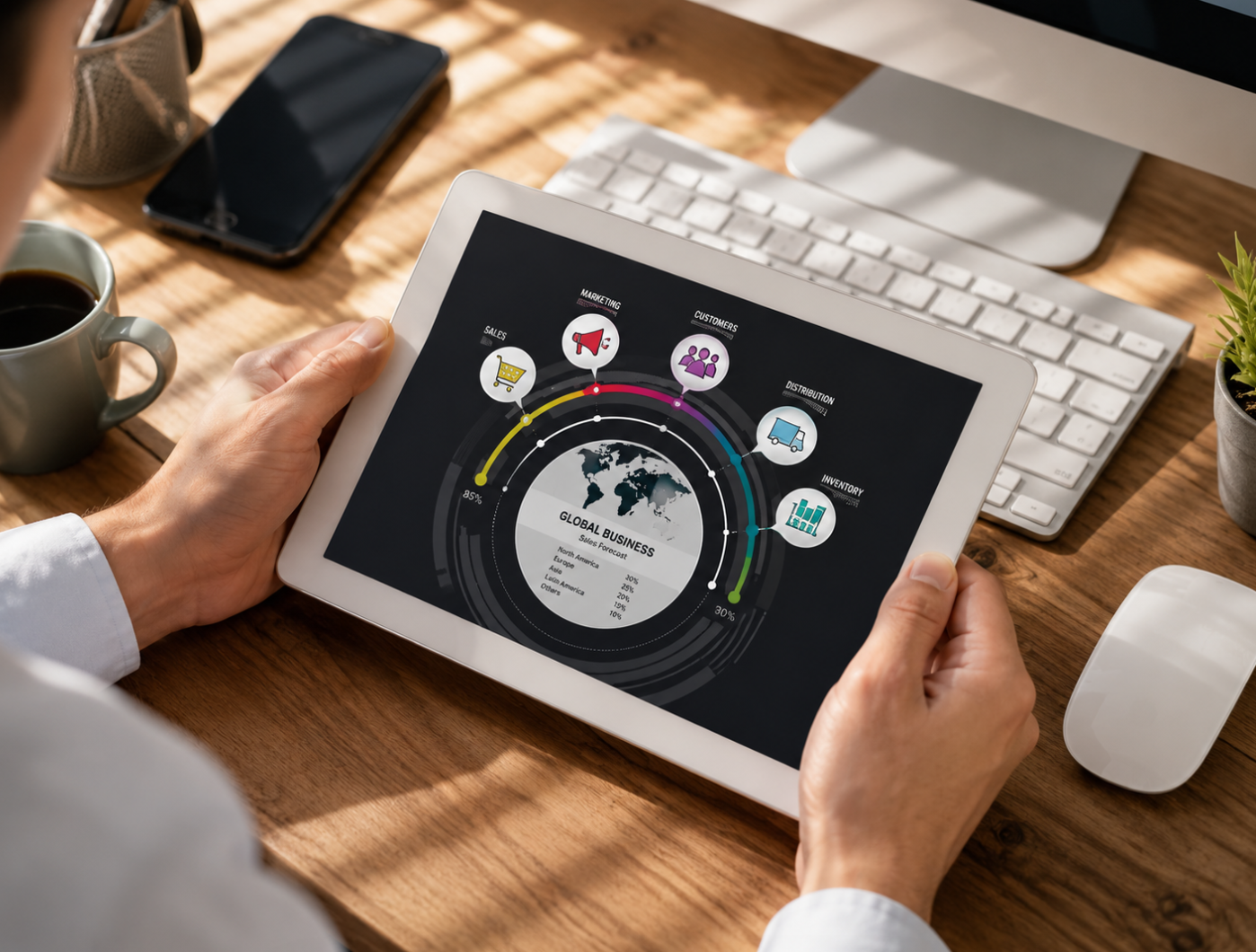
A monitoring tool usually does three things. First, it collects data. Second, it organizes that data into a dashboard, report, alert, chart, or timeline. Third, it helps the user interpret what the data means. The best tools do not simply show numbers. They help users make better choices.
For example, a time-tracking app may show that a freelancer spends more hours on admin work than client work. A health tracker may show that sleep quality drops after late-night screen use. A project management dashboard may show that one stage of a workflow is always delayed. Once the pattern becomes visible, it becomes easier to improve.
Main Types of Monitoring Tools
Monitoring tools are used in many different areas, so it helps to separate them by purpose. Some focus on people and habits. Some focus on business performance. Others focus on systems, security, or customer experience. Choosing the right type depends on what you want to understand or improve.
Productivity tools such as time trackers can be useful for people who want to understand how their workday is actually spent. Project monitoring tools help teams see who is responsible for what and whether deadlines are realistic. Health monitoring tools help people notice habits that may otherwise go unnoticed.
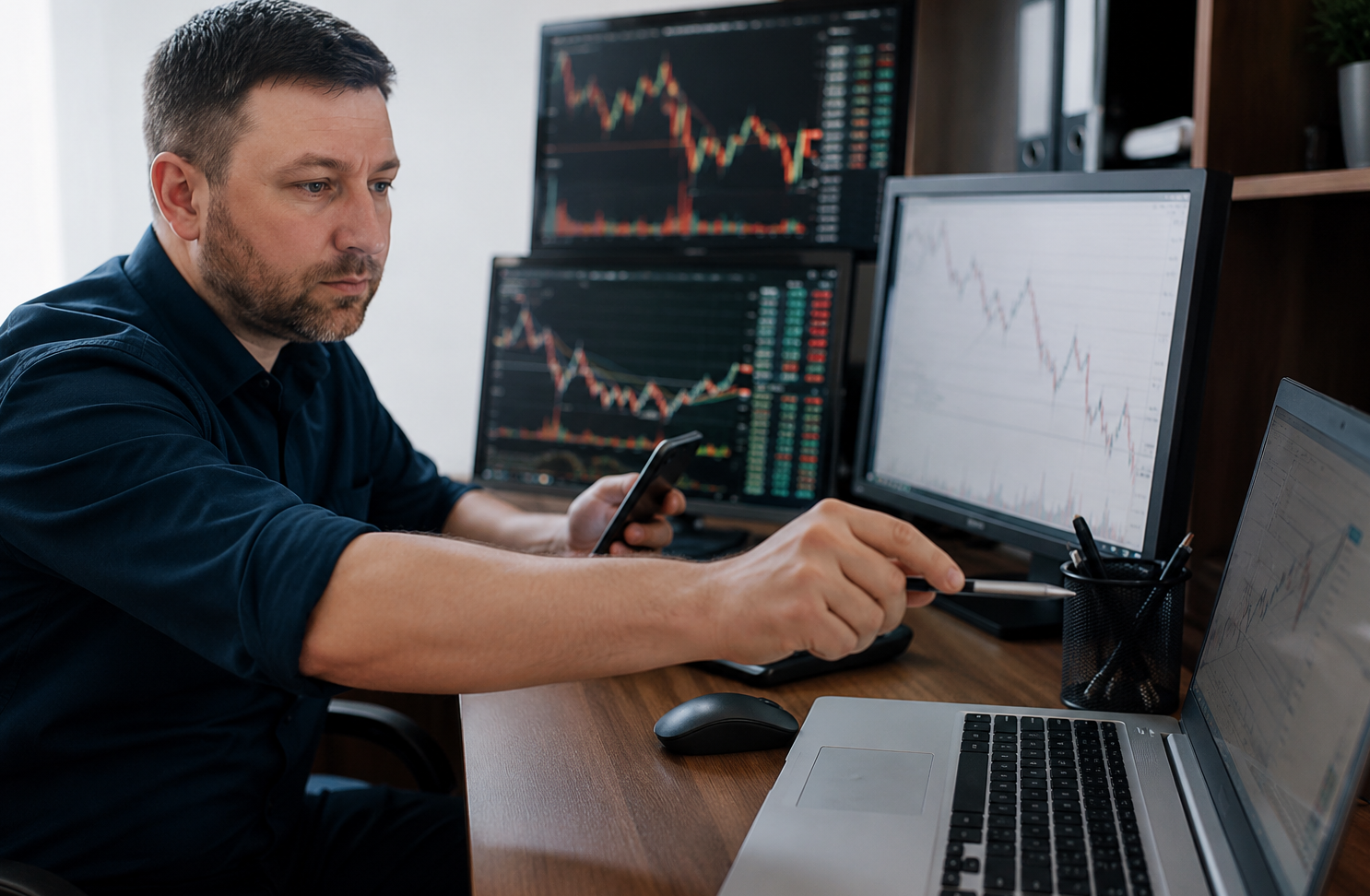
System monitoring tools are especially important for digital businesses. A slow website, broken checkout page, failed server, or security alert can affect customers quickly. Monitoring allows technical teams to respond before a small issue becomes a larger problem.
Why Monitoring Tools Are Useful
The main benefit of monitoring tools is visibility. People cannot improve what they cannot see clearly. A business may want higher productivity, but first it needs to understand where work slows down. A person may want better health, but first they need to understand their sleep, activity, eating habits, or stress patterns.
Monitoring also supports accountability. When progress is visible, it becomes easier to stay on track. A project dashboard can remind a team what is due this week. A fitness app can show whether daily movement goals are being met. A budget app can reveal whether spending matches financial plans.
Another benefit is early warning. Monitoring tools can alert users when something unusual happens. A business may receive a notice when website traffic drops suddenly. A health device may show a change in sleep patterns. A security monitoring system may detect suspicious login attempts. Early signals allow faster action.
Practical Reminder
Monitoring is most valuable when it leads to better decisions. A dashboard full of numbers is not enough. The real benefit comes from turning those numbers into clear actions.
Monitoring Tools in the Workplace
In the workplace, monitoring tools can help managers and teams understand performance, workload, deadlines, and collaboration. Project management platforms such as Asana, Monday.com, Trello, or similar tools allow teams to assign responsibilities, track progress, and reduce confusion about who is doing what.
Time-tracking tools can help freelancers, agencies, consultants, and service businesses understand how much time different tasks require. This can improve pricing, planning, and workload balance. For example, if a team discovers that internal meetings consume too much time, it can adjust meeting frequency or format.
However, workplace monitoring must be handled carefully. If employees feel that every movement is being watched, monitoring can damage trust. The best workplace use is transparent and purpose-driven. People should understand what is being tracked, why it matters, how the data will be used, and what boundaries are in place.
Monitoring Tools for Health and Wellness
Health monitoring tools have become popular because they turn daily habits into visible patterns. Fitness trackers, smartwatches, sleep apps, nutrition apps, and wellness platforms can help users understand activity levels, heart rate, sleep quality, calorie intake, stress patterns, and exercise consistency.
For many people, awareness is the first step toward change. A person may not realize they sit for most of the day until a device shows low movement. Someone may not connect poor sleep with late caffeine or screen use until they see a pattern over several weeks. Monitoring can make small habits easier to notice.
Health tools should still be used with balance. They can support wellness, but they should not create anxiety or replace professional medical advice. If a device shows unusual or concerning patterns, it may be useful to discuss them with a qualified health professional rather than making major decisions based only on app data.
Monitoring Tools in Education
In education, monitoring tools can help teachers understand student progress, participation, assignment completion, and learning gaps. Platforms such as online classrooms, learning management systems, and digital assessment tools can provide useful information that is difficult to collect manually.
For teachers, this data can support better instruction. If many students struggle with the same topic, the lesson may need to be explained differently. If one student stops submitting work, the teacher may notice sooner and offer support. Monitoring can help education become more responsive.
Students can also benefit from monitoring their own learning. Study apps, progress trackers, and habit-building tools can show how much time is spent practicing, what topics need review, and whether goals are being met. This can encourage more independent learning.
Monitoring Tools for Personal Finance
Personal finance monitoring tools help people understand where their money goes. Budgeting apps can group spending into categories such as food, rent, transportation, subscriptions, entertainment, and savings. Once spending becomes visible, it is easier to make realistic changes.
Financial monitoring can also help users detect problems. A person may notice a forgotten subscription, an unusual charge, or a pattern of overspending in one category. Some tools send alerts when bills are due, balances are low, or spending exceeds a set budget.
The purpose is not to make money management feel restrictive. Good financial monitoring gives users more control. It shows the difference between what someone thinks they spend and what they actually spend. That clarity can support better saving, debt repayment, and long-term planning.
Privacy and Data Security Concerns
Monitoring tools collect information, and information has value. This creates privacy and security concerns. A productivity app may collect work habits. A health tracker may collect heart rate or sleep patterns. A finance app may connect to bank accounts. A workplace tool may record employee activity. Users deserve to know how this data is collected, stored, protected, and shared.
Transparency is essential. People should understand what is being monitored and why. In a workplace, hidden monitoring can damage morale and create distrust. In personal apps, unclear privacy settings can expose users to unnecessary data sharing. A tool that provides insight should not quietly take more information than it needs.
Security also matters. Monitoring tools should use strong account protection, encryption, permission controls, and clear privacy policies. Users should choose reputable platforms, use strong passwords, enable two-factor authentication when available, and avoid granting unnecessary access.
Privacy Reminder
Before using any monitoring tool, check what data it collects, who can access it, how long it is stored, and whether it can be shared with third parties. Useful insight should not come at the cost of unnecessary exposure.
Best Practices for Using Monitoring Tools
The first best practice is to define the purpose before choosing a tool. Do you want to save time, improve health, manage projects, reduce spending, detect system issues, or improve team communication? A clear goal makes it easier to choose the right tool and avoid collecting unnecessary data.
The second best practice is to start simple. Many tools offer advanced dashboards, alerts, integrations, reports, and automation. These features can be helpful, but too much complexity can make the tool harder to use. Begin with the most important metrics, then expand only if needed.
The third best practice is to review the data regularly. Monitoring is not useful if the information is ignored. Set a schedule to check reports, identify patterns, and decide what action to take. For personal goals, this might be weekly. For business systems, monitoring may need daily or real-time review.
Finally, use monitoring to support improvement, not punishment. In teams, monitoring should help remove blockers, balance workloads, and improve processes. In personal life, it should encourage awareness and better habits, not create guilt over every missed target.
How to Choose the Right Monitoring Tool
Choosing the right monitoring tool begins with matching the tool to the problem. A freelancer may need time tracking and invoicing support. A project manager may need task visibility and workload planning. A person focused on wellness may need a simple health tracker. A business website may need uptime alerts and performance monitoring.
Ease of use matters. A tool that requires too much setup or feels confusing may not be used consistently. The best monitoring tool is one that fits naturally into the workflow. It should provide useful information without becoming another burden.
Integration is also important. If a tool connects with your calendar, email, project platform, accounting software, health device, or website system, it may reduce manual work. But integrations should be reviewed carefully because they may involve sharing data between platforms.
Common Mistakes to Avoid
One common mistake is tracking too many things at once. More data does not always mean better insight. If every metric is treated as important, it becomes harder to know what actually matters. Choose a few meaningful indicators and focus on improving them.
Another mistake is using monitoring without context. For example, low activity in a productivity tool does not always mean poor performance. A person may be in meetings, doing offline work, solving complex problems, or taking necessary recovery time. Numbers need interpretation.
A third mistake is ignoring privacy settings. Many users accept default permissions without reading them. Over time, this can lead to unnecessary data collection. Review settings, remove unused integrations, and limit access where possible.
Finally, avoid choosing a tool only because it is popular. A tool that works well for one company, team, or person may not be right for another. The best choice is the one that fits your goal, workflow, budget, and privacy expectations.
Final Thoughts
Monitoring tools are useful because they make invisible patterns easier to see. They can show where time is spent, how projects are progressing, whether health habits are improving, where money is going, or when a digital system needs attention. This kind of visibility can support better decisions in both personal and professional life.
The key is to use monitoring with intention. A good tool should clarify, not overwhelm. It should support improvement, not create unnecessary pressure. It should collect useful data, not every possible detail. And it should respect privacy, especially when other people are involved.
Whether you are managing a team, improving your health, tracking finances, running a website, or simply trying to understand your daily habits better, the right monitoring tool can be transformative. When data is collected responsibly and interpreted thoughtfully, monitoring becomes more than tracking. It becomes a practical path toward smarter action.
Final Reminder: Monitoring tools work best when they are purposeful, transparent, and secure. Define what you want to improve, choose only the metrics that matter, review privacy settings, protect your data, and use insights to guide better decisions rather than simply collecting numbers.