
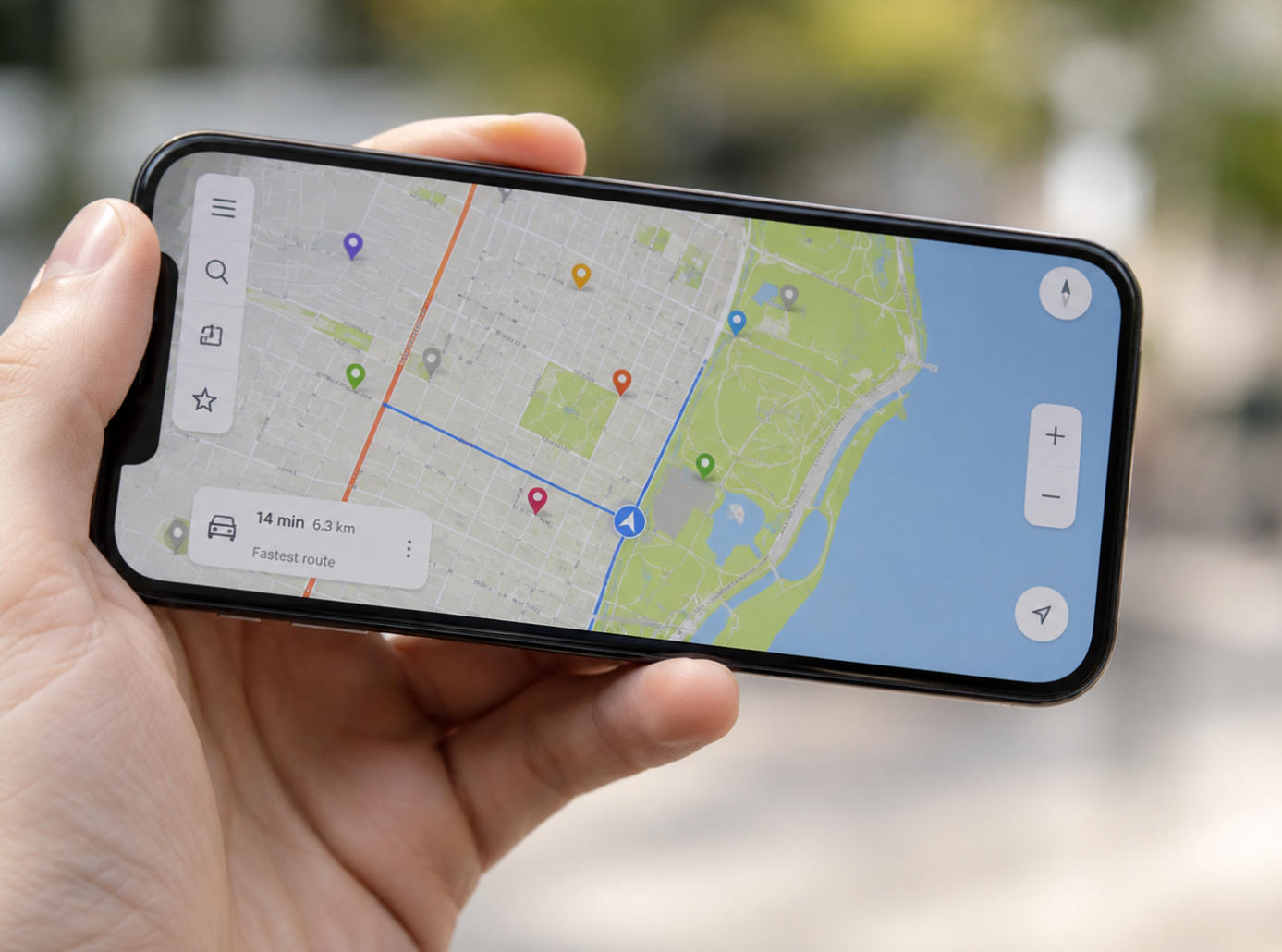
Phone Locator GPS Technology Guide
Article Summary: Phone locator GPS technology helps people find lost smartphones, share locations with trusted contacts, support family safety, improve navigation, and assist emergency services. It works by using satellite signals, cellular towers, Wi-Fi networks, and device sensors to estimate a phone’s location. While GPS tracking can be extremely useful, it also raises important privacy and ethical questions. Users should only track devices they own or people who have clearly agreed to share their location. To use phone locator GPS safely, turn on built-in phone-finding tools, secure your device with strong authentication, review app permissions, avoid unnecessary location sharing, and understand how to protect your personal data.
Losing a smartphone can feel surprisingly stressful. It is not only the device itself that matters. A phone may contain contacts, photos, messages, banking apps, work files, travel tickets, passwords, private notes, and access to dozens of online accounts. When it disappears, the first reaction is often panic.
This is where phone locator GPS technology becomes useful. It gives users a way to locate a missing device, share their position with family members, support personal safety, and navigate the world more easily. What once felt like advanced technology is now built into everyday smartphones.
Still, GPS location tracking is not just a convenience feature. It involves personal data, privacy, consent, and security. Knowing where a phone is can be helpful. Knowing where a person is can be sensitive. The best use of phone locator technology is practical, transparent, and respectful.
Understanding how phone locator GPS works can help you use it more confidently. It can also help you avoid common mistakes, such as leaving location sharing open unnecessarily, trusting questionable tracking apps, or assuming GPS alone can solve every lost-phone problem.
What Is Phone Locator GPS?
Phone locator GPS is a location-tracking technology that helps identify where a smartphone is on a map. GPS stands for Global Positioning System, a satellite-based navigation system that allows devices to estimate their geographic position. When a smartphone receives signals from multiple satellites, it can calculate its location using latitude and longitude.
In real life, phone location services usually rely on more than GPS alone. Smartphones often combine GPS with Wi-Fi positioning, cell tower signals, Bluetooth, and device sensors. This combination helps improve accuracy, especially in cities, indoors, or places where satellite signals are weak.
Phone locator GPS is commonly used through built-in tools such as Find My iPhone, Find My Device, family location sharing, map apps, ride-hailing platforms, delivery apps, and emergency location services. It can help find a lost phone, show a family member’s shared location, or guide a driver to the correct address.
How Phone Locator GPS Works
GPS works by using signals from satellites orbiting the Earth. A smartphone with a GPS receiver listens for these signals and calculates how far it is from several satellites. By comparing those distances, the phone can estimate its position on the planet.
Outdoors, GPS can be very accurate because the phone has a clearer view of the sky. Indoors or in dense city areas, the signal may be weaker or blocked by buildings, walls, tunnels, or underground spaces. That is why smartphones often use assisted location methods to improve the result.
Wi-Fi positioning can help by comparing nearby Wi-Fi networks with known location databases. Cellular tower signals can provide a rough location when GPS is unavailable. Bluetooth can help with close-range tracking, especially when used with item trackers or nearby devices. Together, these systems make phone location services more practical in everyday situations.
Common Uses of Phone Locator GPS
The most familiar use is finding a lost phone. Built-in phone locator tools can show the device on a map, play a sound, lock the phone remotely, display a message, or erase the device if recovery seems unlikely. These features can be extremely useful when a phone is left in a restaurant, taxi, office, hotel room, or public place.
Families also use phone locator GPS for safety. Parents may share locations with children, couples may share trip progress, and friends may use temporary location sharing when meeting in crowded places. In these situations, location sharing works best when everyone understands and agrees to it.
Navigation is another everyday use. Map apps depend heavily on location services to provide driving directions, walking routes, public transit guidance, traffic updates, estimated arrival times, and nearby place recommendations. Without accurate location data, modern navigation would feel much less convenient.
Businesses also rely on GPS technology. Delivery platforms use it to show package routes. Ride-hailing apps use it to match drivers and passengers. Logistics companies use it to manage fleets. Emergency services may use location information to respond faster when someone needs urgent help.
Benefits of Phone Locator GPS
The biggest benefit is peace of mind. If your phone goes missing, you do not have to rely only on memory or luck. A phone locator tool may help you see whether the device is still at home, left at work, moving in a vehicle, or sitting somewhere unfamiliar.
Another benefit is security. If a device is stolen, location tracking may help with recovery or at least help you take protective action quickly. You may be able to lock the phone, change important passwords, remove payment cards, or erase sensitive data remotely.
Location sharing can also make daily coordination easier. Friends can find each other at concerts, airports, festivals, campuses, or large shopping centers. Families can check whether someone arrived safely. Travelers can share their route during a trip. These small conveniences can reduce calls, messages, and uncertainty.
Privacy and Ethical Concerns
Phone locator GPS is useful because location data is powerful. That is also why it must be handled carefully. A person’s location can reveal routines, workplace, home address, school, medical visits, social activities, religious locations, travel habits, and private relationships. This makes location data highly sensitive.
Tracking should always be based on ownership, permission, or a legitimate safety need. It is appropriate to locate your own device. It is appropriate to share location with family or friends when everyone clearly agrees. It is not appropriate to secretly track someone’s phone, monitor another adult without consent, or use GPS tools for stalking, control, or harassment.
Privacy concerns also apply to apps. Some apps request location access even when they do not truly need it. Others may collect location history for advertising, analytics, or third-party data sharing. Users should review app permissions regularly and avoid granting constant location access unless it is necessary.
Privacy Reminder
Phone locator GPS should be used only for your own devices or with clear permission from the person being located. Location tracking without consent can violate privacy, damage trust, and may be illegal depending on the situation.
How to Use Phone Locator GPS Safely
The first step is enabling the built-in phone-finding feature on your device before you need it. Many people only think about location tracking after the phone is already missing. At that point, recovery may be harder if the feature was never activated.
On most smartphones, built-in locator tools are tied to your main account. Make sure you know your account login details, have recovery options set up, and protect the account with strong authentication. If someone can access your account, they may also access your phone location, backups, photos, and other sensitive information.
It is also wise to keep location permissions under control. Some apps only need location while you are using them. Others may not need location at all. Reviewing permissions every few months can reduce unnecessary tracking and improve privacy.
If you use family location sharing, set expectations clearly. Decide who can see whose location, when it should be shared, and when it can be turned off. Location sharing should feel like a safety tool, not a source of pressure or constant surveillance.
What to Do If Your Phone Is Lost
If your phone goes missing, try to stay calm and act quickly. First, use your device’s official locator service from another phone, tablet, or computer. Check the phone’s last known location. If it appears nearby, use the play-sound feature if available. This can help if the phone is under a couch cushion, inside a bag, or left in another room.
If the phone appears to be in a public place or moving somewhere unfamiliar, avoid confronting anyone directly. Protect your safety first. Use the remote lock feature if available, display a contact message on the lock screen, and contact the location where the phone may have been left. If theft is suspected, report it to the proper authorities.
You should also protect your accounts. Change important passwords, especially for email, banking, payment apps, cloud storage, and social accounts. If the phone contains payment cards, consider disabling mobile wallet access. If recovery is unlikely and the device contains sensitive data, remote erase may be the safest choice.
Choosing a Phone Locator App
Built-in phone locator tools are usually the safest starting point because they are designed by the phone’s operating system provider and integrated with device security. For many users, these tools are enough. Third-party phone locator apps may offer extra features, but they should be chosen carefully.
Before installing a third-party tracking app, review its reputation, permissions, privacy policy, subscription terms, and user reviews. Be cautious with apps that request too much access, make unrealistic promises, hide pricing, or encourage secret tracking. A legitimate safety app should be transparent about what it collects and how location sharing works.
For families, choose apps that allow clear consent, visible sharing, emergency features, and privacy controls. For businesses, use device management tools that follow legal and workplace policies. Employees should know what is being tracked, why it is being tracked, and how data is protected.
Limitations of Phone Locator GPS
Phone locator GPS is helpful, but it is not perfect. Location accuracy can change depending on signal strength, battery level, internet connection, building structure, weather, device settings, and whether the phone is powered on. If a phone is turned off, disconnected, or reset, tracking may be limited to the last known location.
Indoor locations can also be less precise. A phone may appear near a building but not show the exact room. In apartment complexes, malls, office towers, or airports, the map location may only narrow the search area. This is useful, but it should not be treated as absolute proof.
Battery life is another factor. Continuous GPS use can drain power faster. Many phones manage this automatically, but apps that constantly track location may reduce battery life. Users should balance convenience with performance and privacy.
Common Mistakes to Avoid
One common mistake is waiting too long to set up phone locator services. If the feature is not enabled before the phone is lost, your options may be limited. Set it up when the device is new, not after something goes wrong.
Another mistake is sharing location with too many apps. Weather, maps, rideshare, and delivery apps may need location access, but not every game, shopping app, or entertainment app needs to know where you are. Reducing unnecessary permissions improves privacy.
A third mistake is treating GPS tracking as a substitute for basic security. A phone should still have a strong passcode, biometric lock, account protection, automatic backups, and remote lock features. Tracking helps locate the device, but security protects the data inside it.
Finally, avoid using tracking tools in ways that damage trust. Family safety works best with communication. Workplace tracking should follow clear policies. Personal location sharing should always respect consent and boundaries.
Practical Safety Tip
Turn on your phone’s official locator feature, keep your account secure, back up your data regularly, and review location permissions. These simple steps can make a lost phone much easier to handle.
Final Thoughts
Phone locator GPS technology has become a practical part of modern life. It helps people find missing devices, navigate unfamiliar places, share locations with trusted contacts, improve family safety, and support emergency response. For many users, it turns a stressful situation into something more manageable.
At the same time, location tracking must be used thoughtfully. A phone’s location can reveal sensitive details about a person’s life. That means privacy, consent, and data security should always be part of the conversation.
The smartest approach is balanced. Use GPS locator tools to protect your device and support safety, but review permissions, avoid unnecessary tracking, and keep your account secure. When used responsibly, phone locator GPS is not just a convenience. It is a powerful tool for security, coordination, and peace of mind.
Final Reminder: Phone locator GPS works best when it is prepared before a problem happens. Enable official device-finding tools, secure your account, use location sharing only with consent, review app permissions, and remember that protecting the data inside your phone is just as important as finding the device itself.